
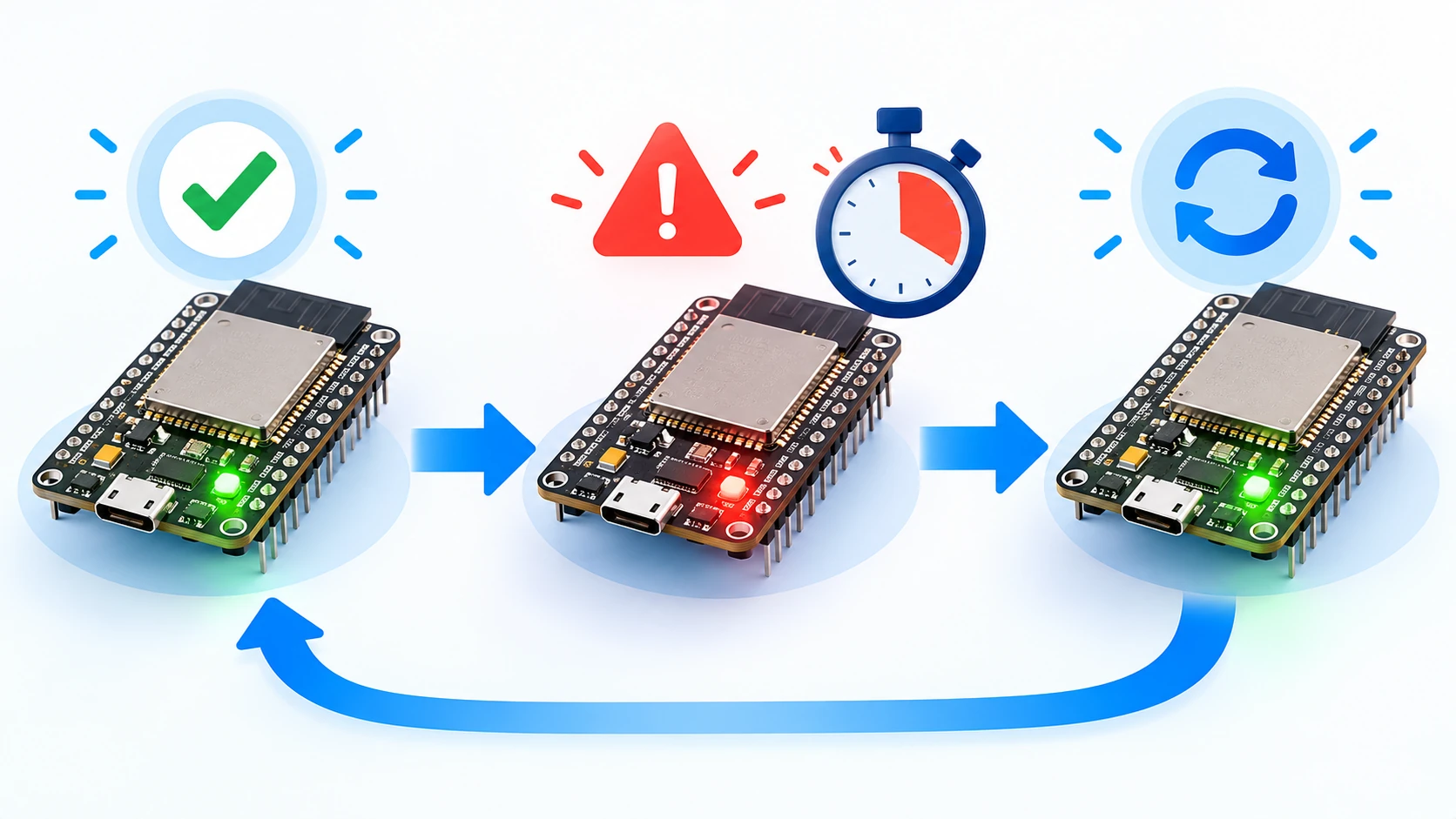
Watchdog Timer and automatic failure recovery
Restarting by itself is easy. The hard part is restarting only when needed, knowing why it happened and avoiding a loop—with Task WDT, reset reason and backoff.
Hardware requirements:
- Placa ESP32 ou ESP32-S3
- Cabo USB com transmissão de dados
Download this tutorial's materials:
- Projeto completo (ZIP)143 KBFirmware Arduino com Task Watchdog, leitura do motivo do reset, contador em memória RTC e modo seguro. Comando de travamento proposital para testar. README e manual em PDF.
- Manual em PDF (8 páginas)173 KBO erro que anula o mecanismo, tabela dos motivos de reset, contador RTC e modo seguro, roteiro de sete testes e checklist de catorze itens.
Want to receive new manuals and industrial schematics? Join our channel on Telegram / WhatsApp
A watchdog is not rebooting on a schedule
There is a practice found in many embedded projects that is not a watchdog: scheduling a reboot every six hours, or every thousand cycles, hoping it clears whatever is accumulating.
That sweeps the problem under the rug. If there is a memory leak, periodic rebooting hides the cause until one day it is no longer enough. Worse, the device reboots while it is working correctly — in the middle of a read, a write or a transmission.
A watchdog is the opposite: a timer that acts only when the firmware stops showing signs of life. While everything is running, it never fires. When something hangs, it reboots within seconds instead of waiting six hours.
The practical difference is large. A periodic reboot is indiscriminate; a watchdog is surgical.
The ESP32's two watchdogs
The ESP32 has two mechanisms, and confusing them causes half the problems.
The Task Watchdog Timer, or TWDT, watches specific tasks. You register a task, it must signal periodically and, if it stays silent past the deadline, the system reboots. This is the one you configure and use day to day.
The Interrupt Watchdog watches whether interrupts are being serviced. It detects an interrupt that is stuck or code that disabled interrupts for too long. You do not configure it; it exists and fires automatically when something serious happens.
In Arduino, the loopTask that runs your setup and loop is registered with the Task Watchdog in many core versions. That is why a long blocking loop can sometimes reboot the board even when nobody configured a watchdog.
Register and feed the task
The configuration is short. With a recent Arduino core:
| 1 | #include "esp_task_wdt.h" |
| 2 | static const uint32_t WDT_SEGUNDOS = 15; |
| 3 | void setup() { |
| 4 | esp_task_wdt_config_t cfg = { |
| 5 | .timeout_ms = WDT_SEGUNDOS * 1000, |
| 6 | .idle_core_mask = 0, |
| 7 | .trigger_panic = true |
| 8 | }; |
| 9 | esp_task_wdt_reconfigure(&cfg); |
| 10 | esp_task_wdt_add(NULL); |
| 11 | } |
| 12 | void loop() { |
| 13 | esp_task_wdt_reset(); |
| 14 | fazerTrabalho(); |
| 15 | } |
esp_task_wdt_add(NULL) registers the current task. reset is the heartbeat, commonly called feeding the dog. trigger_panic makes the system panic and reboot instead of merely logging the alert, which is what you want in the field.
In older core versions, the signature was esp_task_wdt_init(seconds, panic). If your compiler complains about the struct, that is the case.
The mistake that cancels the mechanism
There is a way to have a watchdog configured and no protection at all: feeding it in the wrong place.
Calling reset at the beginning of the loop, with the real work afterward, is fine. But if you scatter reset calls inside long-running functions — inside the loop waiting for a Modbus response or the one waiting for an MQTT connection — the watchdog never fires, because you keep providing a heartbeat even when the firmware is stuck.
The rule is: feed it at one point only, in the main loop, and never inside routines that can hang. The goal is not to prevent a reboot; it is to prevent an unjustified reboot and guarantee one when necessary.
The uncomfortable corollary is that if your firmware needs resets scattered throughout the code to avoid rebooting, the problem is not the watchdog. There is a blocking operation that is too long and must become non-blocking, as in the MQTT guard pattern.
Choose the timeout
A timeout that is too short reboots by mistake. One that is too long leaves the device stuck for too long before acting.
Measure the worst case of your loop and give it generous headroom. If the slowest pass takes two seconds, fifteen is comfortable. If you make an HTTP request with a ten-second timeout inside the loop, the watchdog timeout must be longer — or, better, the request must leave the loop.
Start with headroom and tighten it after observing. A watchdog that fires during normal operation is worse than none: it teaches the team to ignore reboots.
Why did it reboot? The question nobody can answer
This is where most implementations stop, and it separates firmware that recovers from firmware that merely reboots.
A device that reboots by itself without saying why is a permanent diagnostic problem. It could be a watchdog, power loss, a panic from invalid memory access, a software command or the reset button. Each needs a different action, and without the information you are guessing.
The ESP32 stores the reason, and reading it takes three lines:
| 1 | #include "esp_system.h" |
| 2 | const char *descreverMotivoReset(esp_reset_reason_t r) { |
| 3 | switch (r) { |
| 4 | case ESP_RST_POWERON: return "energia aplicada: partida normal"; |
| 5 | case ESP_RST_SW: return "reinicio por software: esperado"; |
| 6 | case ESP_RST_PANIC: return "PANICO: excecao no firmware"; |
| 7 | case ESP_RST_TASK_WDT: return "TASK WATCHDOG: uma tarefa travou"; |
| 8 | case ESP_RST_INT_WDT: return "INTERRUPT WATCHDOG: interrupcao presa"; |
| 9 | case ESP_RST_BROWNOUT: return "BROWNOUT: tensao caiu abaixo do minimo"; |
| 10 | case ESP_RST_DEEPSLEEP: return "acordou de sono profundo"; |
| 11 | case ESP_RST_EXT: return "reset externo pelo pino"; |
| 12 | default: return "motivo desconhecido"; |
| 13 | } |
| 14 | } |
Print this at boot, and better yet, publish it with telemetry. The first time a field device reports brownout, you save a full day of software investigation for a problem that was actually the power supply.
Brownout deserves special attention. It is the classic symptom of an undersized supply or bad USB cable and is confused with a firmware hang with surprising frequency. If the reset reason says brownout, stop looking at the code.
Count reboots without losing the count on power loss
Knowing the last reset reason helps. Knowing there were nine reboots in the last hour completely changes the diagnosis.
ESP32 RTC memory survives software and watchdog reboots, making it the right place for this counter:
| 1 | RTC_DATA_ATTR static uint32_t contadorResets = 0; |
| 2 | RTC_DATA_ATTR static uint32_t marcaValidade = 0; |
| 3 | static const uint32_t MARCA = 0xC0FFEE01; |
| 4 | void inicializarContador() { |
| 5 | if (marcaValidade != MARCA) { |
| 6 | marcaValidade = MARCA; |
| 7 | contadorResets = 0; |
| 8 | } else { |
| 9 | contadorResets++; |
| 10 | } |
| 11 | } |
The validity mark exists because RTC memory is not reliably cleared on the first power-up; without it, the counter starts with garbage. Comparing it to a known value solves that.
Notice that RTC memory is lost when power is removed. This is a useful characteristic, not a limitation: a counter that resets on power loss naturally distinguishes a failure reboot from a maintenance reboot.
Do not enter a reboot loop
Here is the scenario that turns protection into a problem.
Suppose the firmware always hangs when it tries to talk to a failed sensor. The watchdog reboots. The firmware starts, tries the sensor, hangs and reboots. Forever, consuming power and never staying online long enough to receive a command or an OTA update.
The watchdog did its job, but the result is worse than the original hang because now there is not even enough uptime to diagnose it.
Use the counter to degrade instead of insisting:
| 1 | void aplicarModoSeguro() { |
| 2 | if (contadorResets >= 5) { |
| 3 | Serial.println("[wdt] cinco reinicios seguidos. Entrando em modo seguro."); |
| 4 | modoSeguro = true; |
| 5 | } |
| 6 | } |
In safe mode, the firmware disables what is probably causing the hang — the sensor read, the Modbus bus, whatever it is — and keeps only the essentials: Wi-Fi, configuration server and OTA.
The device works poorly, but it works and remains reachable. You fix it remotely instead of traveling there.
It is also worth adding progressive backoff: wait a few seconds before trying again and increase the wait after each failure. This prevents the loop from consuming energy and gives a transient problem time to clear itself.
Tutorial: from zero to a watchdog you trust
Step 1: include and configure
Start by registering the watchdog in setup with a generous timeout. Fifteen seconds is a good starting point for most loops.
Also add reset-reason reporting; it is the part that gives immediate feedback.
Step 2: flash and observe normal startup
Build, flash and open the monitor:
| 1 | pio run -t upload |
| 2 | pio device monitor -b 115200 |
On the first boot, the reason should be power applied. Press the reset button and observe: the reason changes to external reset and the counter increases.
Step 3: cause a hang
This is the confidence test. Add a deliberate hang triggered by a serial command:
| 1 | if (comando == "travar") { |
| 2 | Serial.println("Travando de proposito..."); |
| 3 | while (true) { |
| 4 | // sem alimentar o watchdog |
| 5 | } |
| 6 | } |
Send the command and time it. In about fifteen seconds the board should reboot and the reset reason should appear as TASK WATCHDOG.
If it does not reboot, task registration is not working; check that add was called and trigger_panic is enabled.
Step 4: verify the counter
Cause three hangs in a row and confirm that the counter reaches three. Then remove power and turn it on again: the counter should return to zero and the reason should be power applied.
This difference between a failure reboot and a power reboot is the basis of safe mode.
Step 5: test safe mode
Cause hangs until you pass the configured limit. The firmware should announce safe mode and stop executing the problematic part while keeping the network alive.
Confirm that you can reach it over the network in this state. If you cannot, safe mode is disabling too much.
Step 6: tighten the timeout using data
With everything working, measure the duration of the slowest loop pass in normal operation. Set the timeout to roughly five times that value.
Never tighten it to the limit. A watchdog that fires during normal operation teaches the team to ignore reboots, and then it has stopped serving its purpose.
Common errors and solutions
It reboots by itself and I do not know why. Implement reset-reason reporting before anything else. This is the information that changes the diagnosis from guessing to deduction.
The reason says brownout. It is not firmware. It is an undersized supply, a bad USB cable or a current spike when the radio turns on. Measure the voltage.
I configured the watchdog and it never fires. There are probably reset calls scattered through long routines. Feed it in one place only, in the main loop.
It fires during normal operation. The timeout is too short for the loop's worst case, or there is a blocking operation that should be non-blocking.
It entered a reboot loop. Safe mode is the solution. Without it, recovery requires physical access.
The reset counter starts with garbage. The validity mark is missing; RTC memory is not reliably cleared on first power-up.
The struct configuration causes an error. Core version. Older versions used esp_task_wdt_init with two arguments instead of the struct.